eSIM Service GuaranteeSupport — 1–2 min
Scan the QR code from the email, activate the profile, and select the Vlex eSIM for mobile data.
Choose your device — steps differ slightly on iPhone and Android. A second phone is optional: open the install link on the same device.
It will be sent to the email address you provided. You can also tap the quick link for iOS to jump straight to step two.
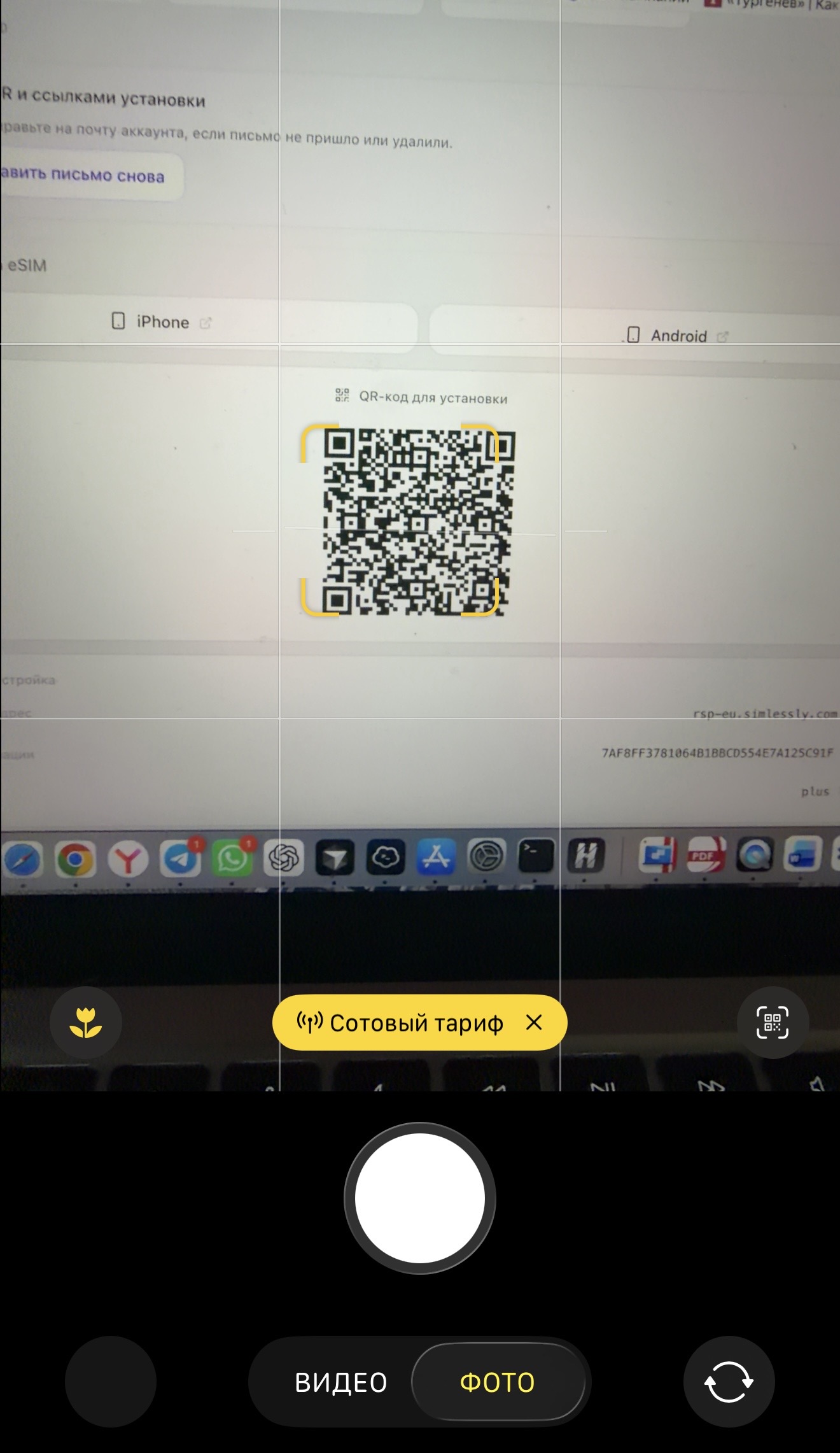
Tap the pop-up notification “Cellular plan” and then tap "Activate"
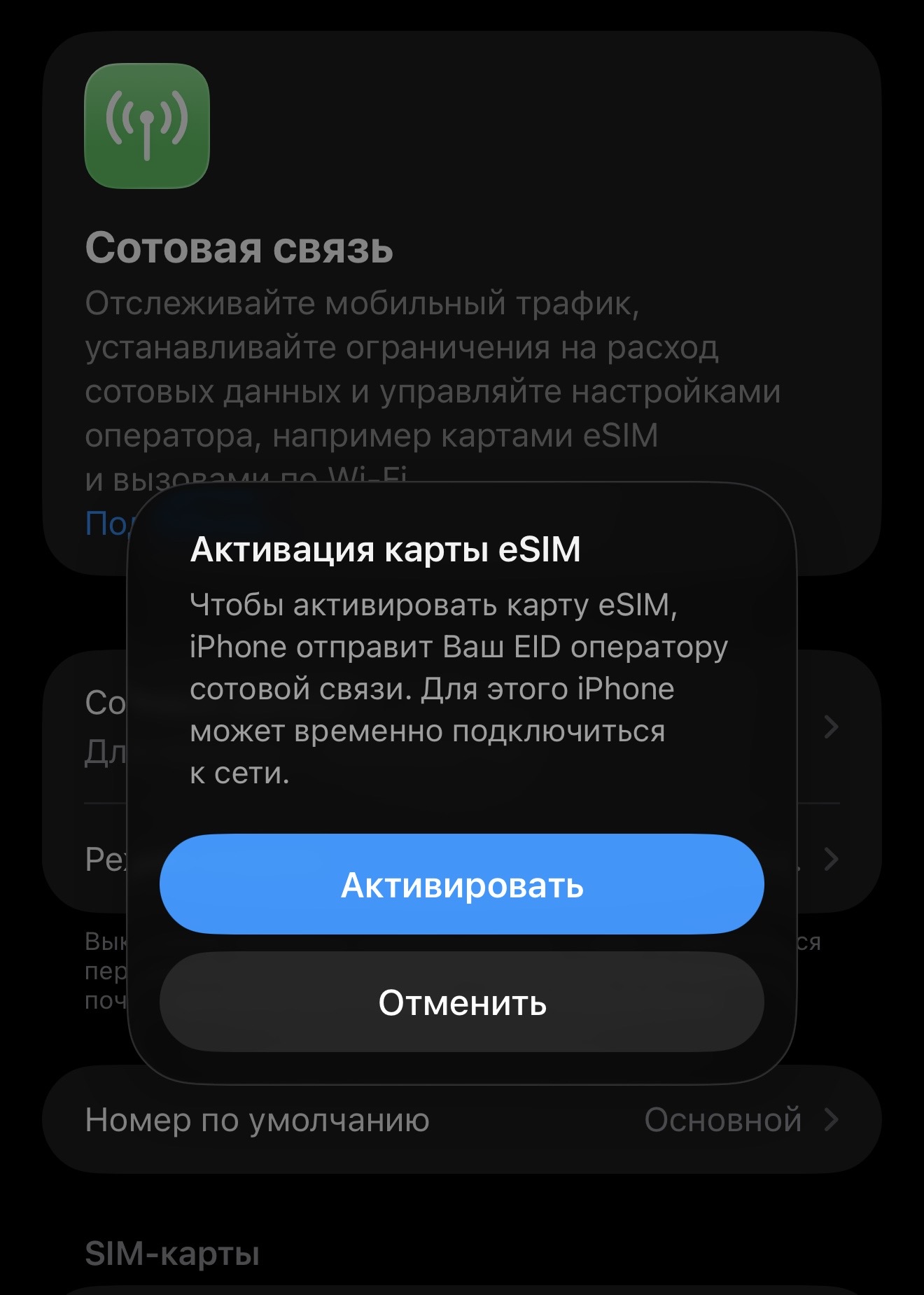
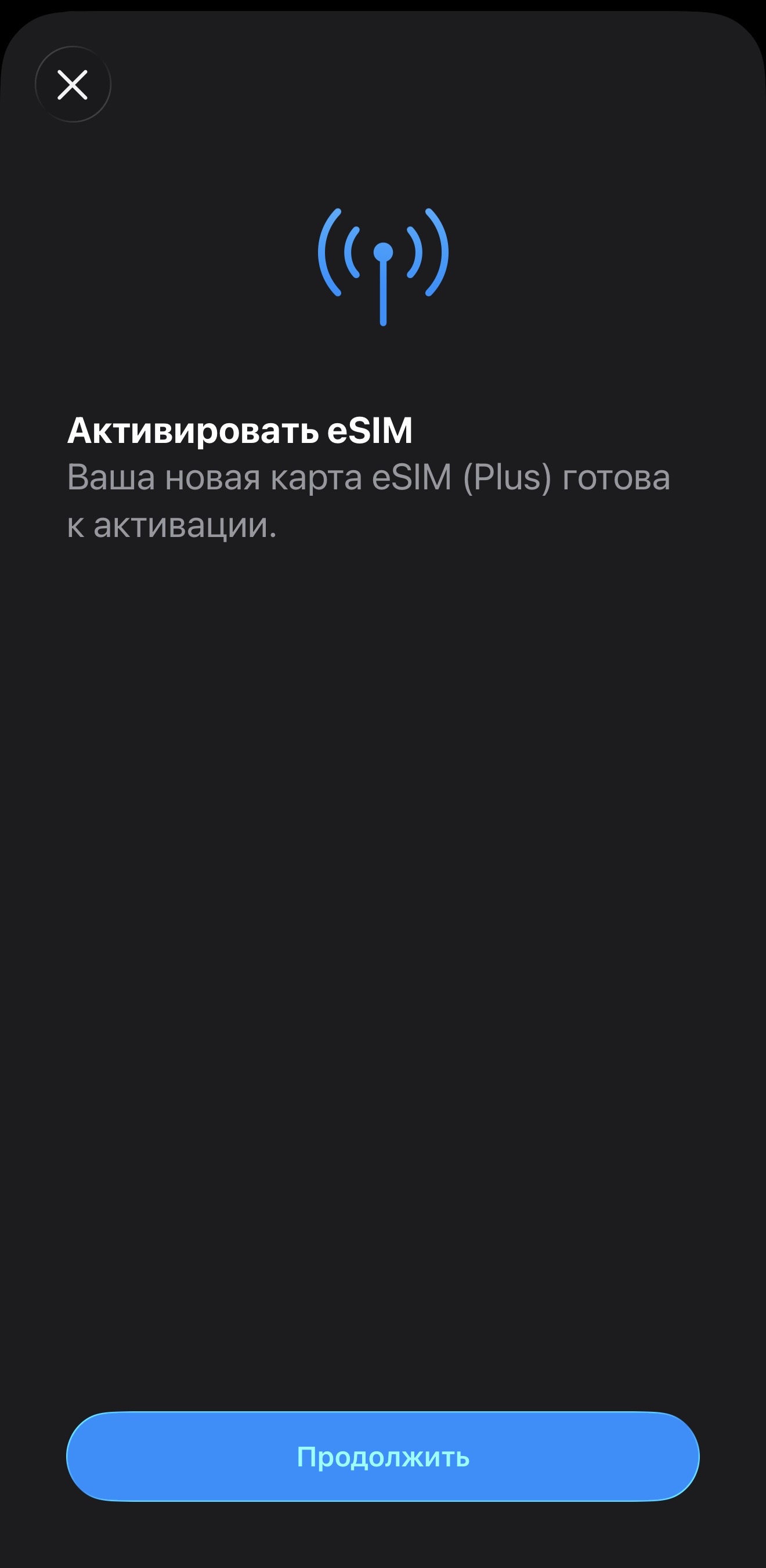
Complete the setup in the window that opens.
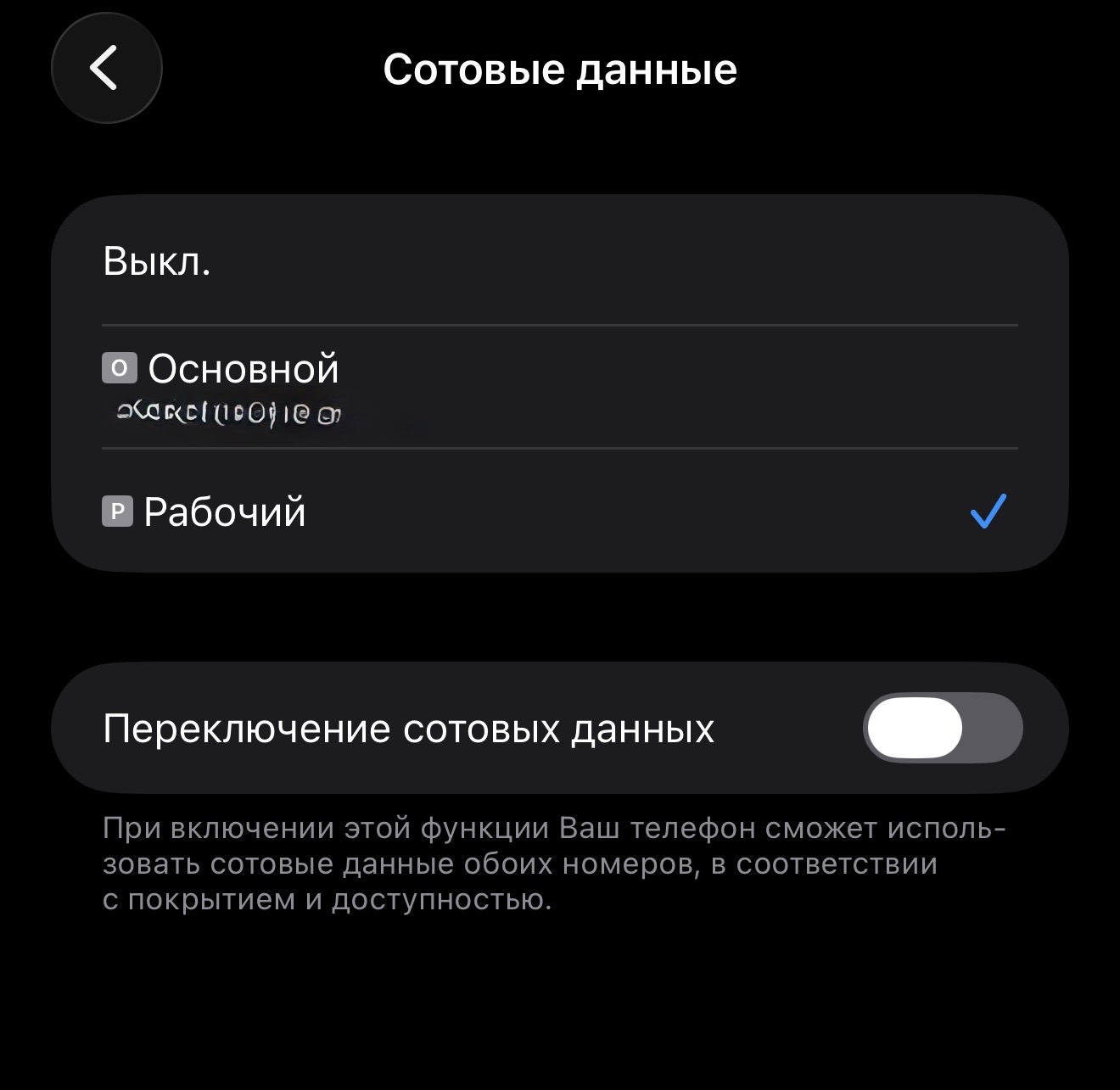
Choose the installed eSIM as the primary source for mobile data and turn off data switching. Settings -> Cellular -> Cellular Data
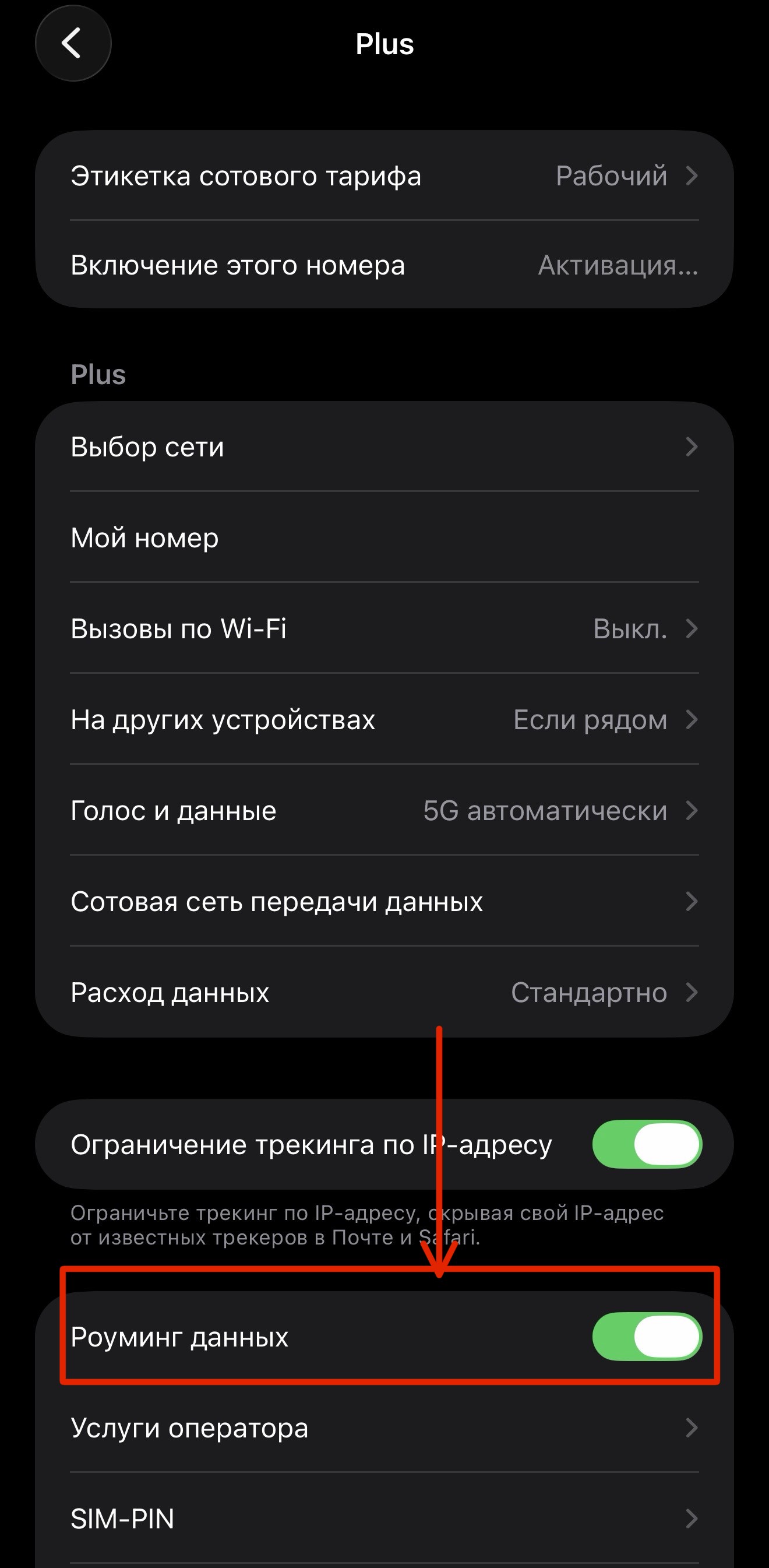
If the internet is not working, make sure “Data Roaming” is enabled.
Don’t panic: open your dashboard or the order email — QR and install link are still there. Reinstall the profile. If the plan is still active with the carrier, remaining data and validity continue. Need help — @supprtbots.
If something goes wrong, contact support — we’ll help you with your device model. @supprtbots
